Services
List of Services
You can create services under your pre defined service categories
, just
click add services in the box and fill te required fields
You can add unlimited services and unlimited categories
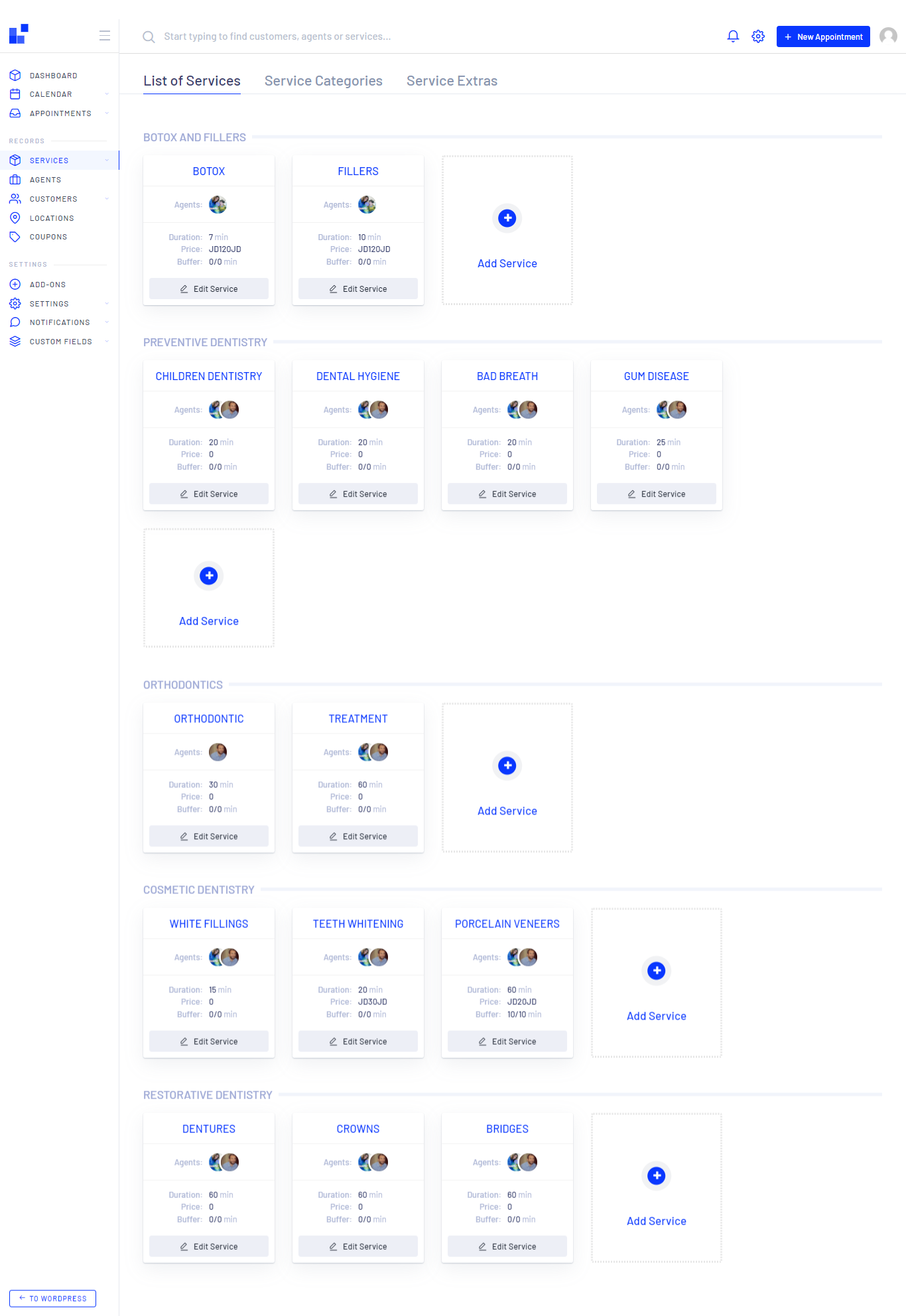
To add Services click on the box below
Then Create New Service will be opened.
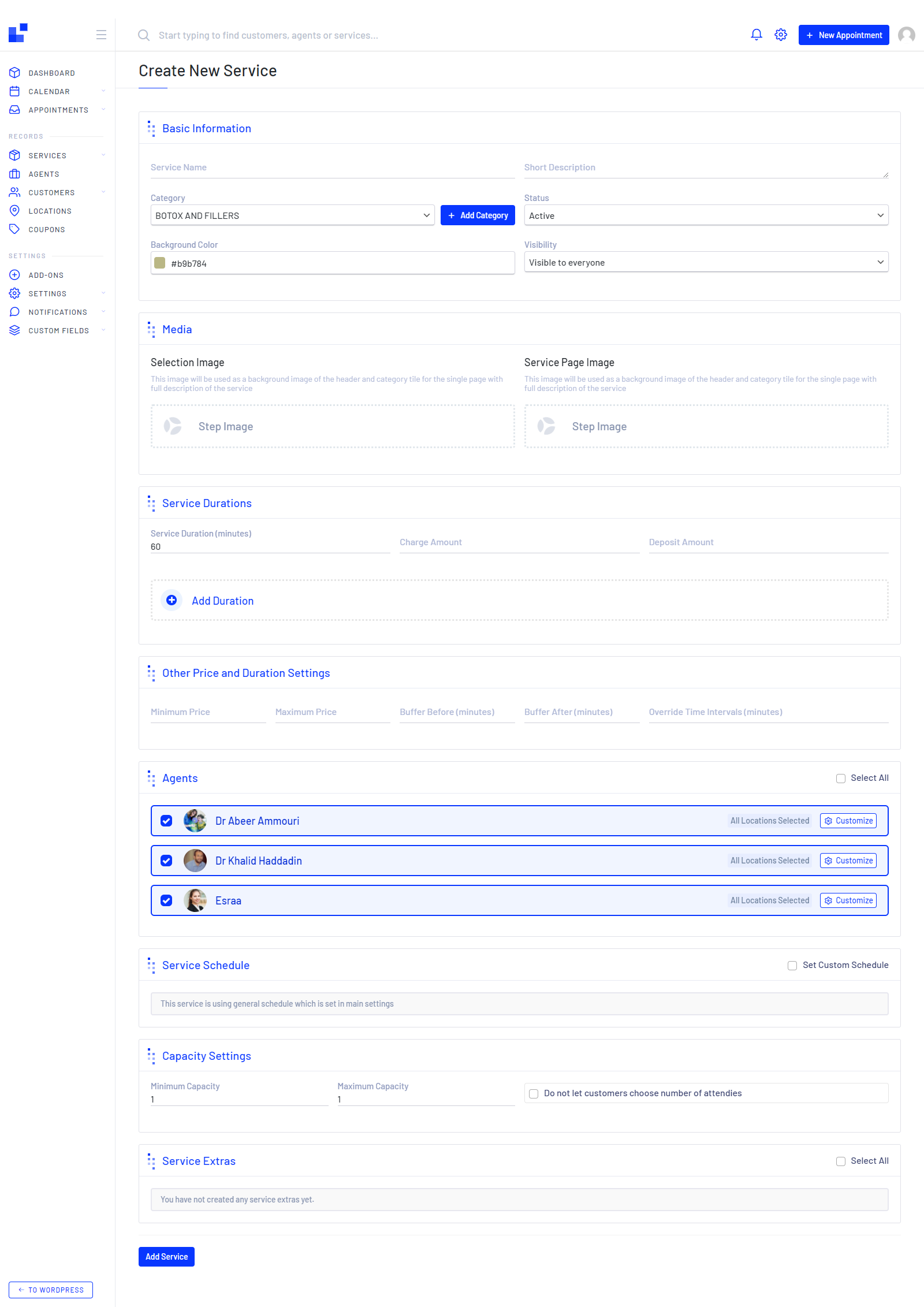
fill the needed information in the page like, service name, short description, Category, Status, Media, Service Durations (this could be multiple durations and every duration has a different price as well), Agents, Service Schedule, Capacity Settings (you can disable this feature for customers to choose number of attendees) and Service Extras
Tpi
You can add a new Service Category here on this page instead of adding it on the next page
Service Categories
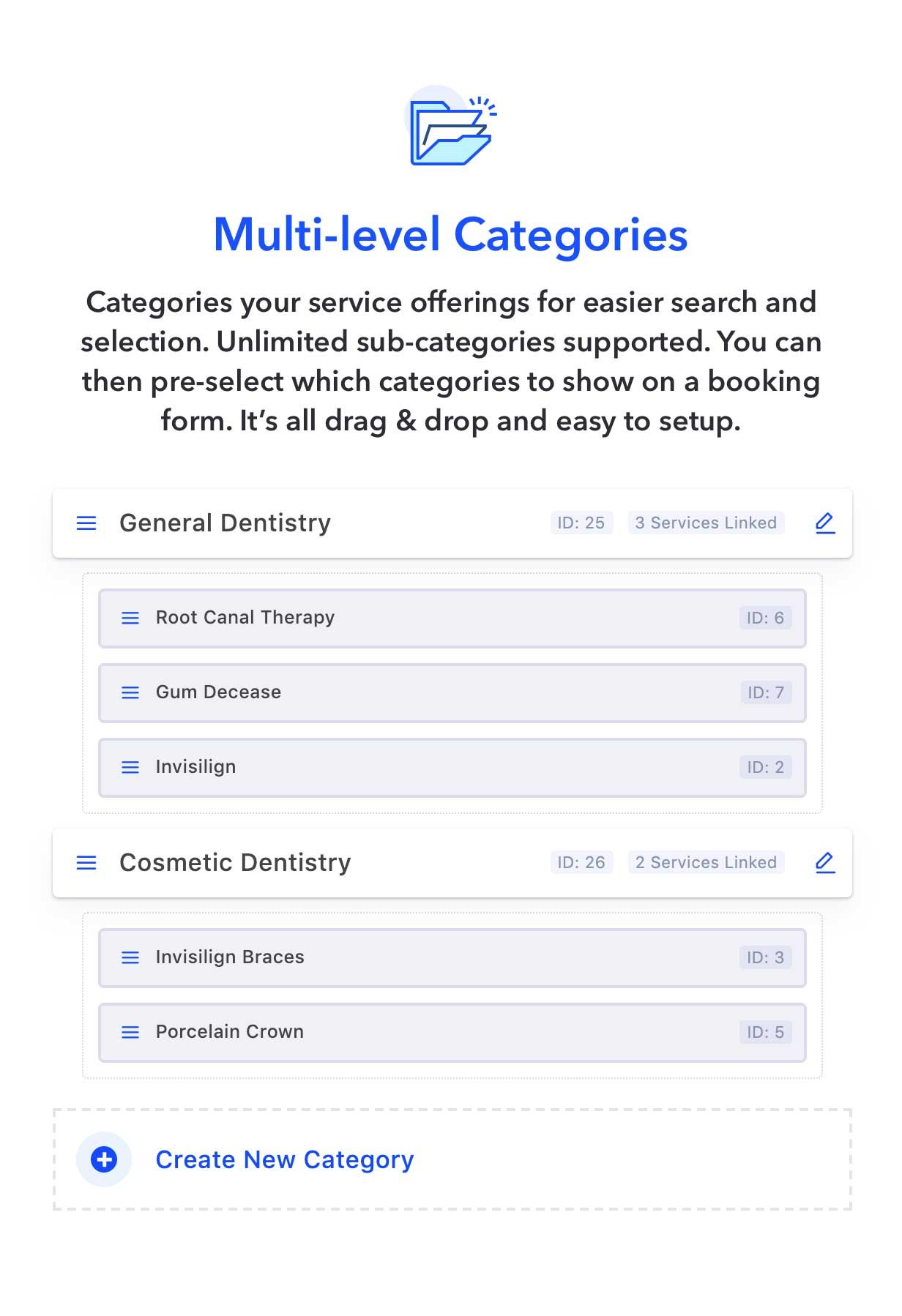
- Unlimited Service Categories
- Unlimited sub-services and sub-categories
- Move categories easily using the mouse or in edit mode
- Add description and Avatar image
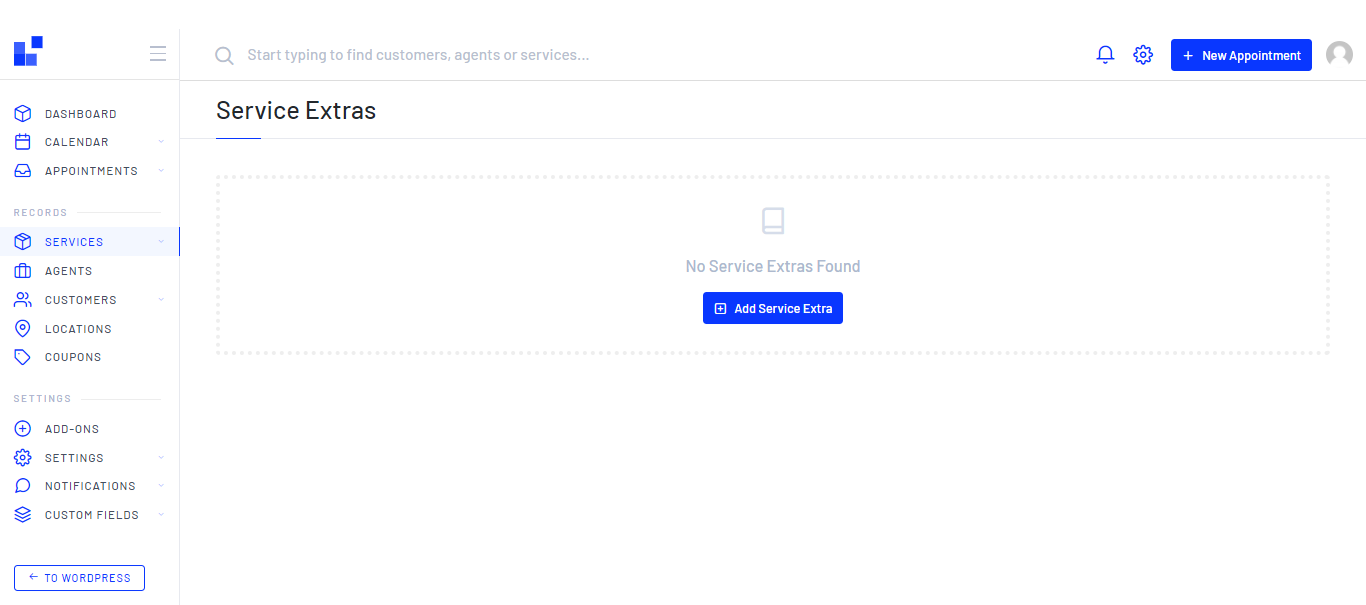
Service Extras
General
Create New Service Extra
This section allow users to add extra service while they are booking a new appointment, for example you are booking an appointment in a dental clinic and you want and extra service a hair cut or valet parking or any other service you may offer. it may be a chargeable service or for free that depends on your business