Coupons
You can encourage customers to buy a product by giving a discount. Every product can have a discounted price but if you want more control over discounts then you can create a coupon for that. Coupons are highly customizable and can be used for any product.
Customers can apply coupons to their shopping cart from the cart page. After applying a coupon to the shopping cart coupon value will be subtracted from the subtotal.
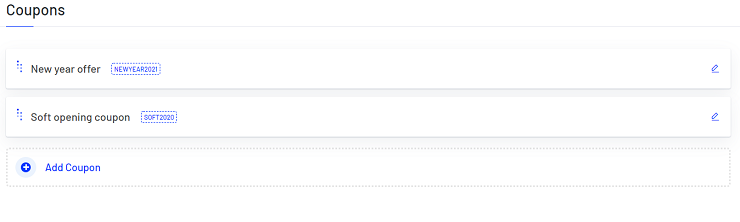
Add Coupon
Navigate to Coupons > Add Coupon to create a new coupon.
General
- Name (translatable): The name of the coupon.
- Code: A unique code for the coupon. Customers will use this code for applying the coupon to their shopping cart.
- Discount Type: You can either set a fixed value coupon or percent value coupon. Percent value coupon will be calculated based on the shopping cart.
- Value: Set the value of the coupon.
- Start Date: From the day the coupon is valid.
- End Date: The last day the coupon is valid.
- Status: Enable the coupon by checking this checkbox. Only enabled coupons can be used.