Dashboard
Performance
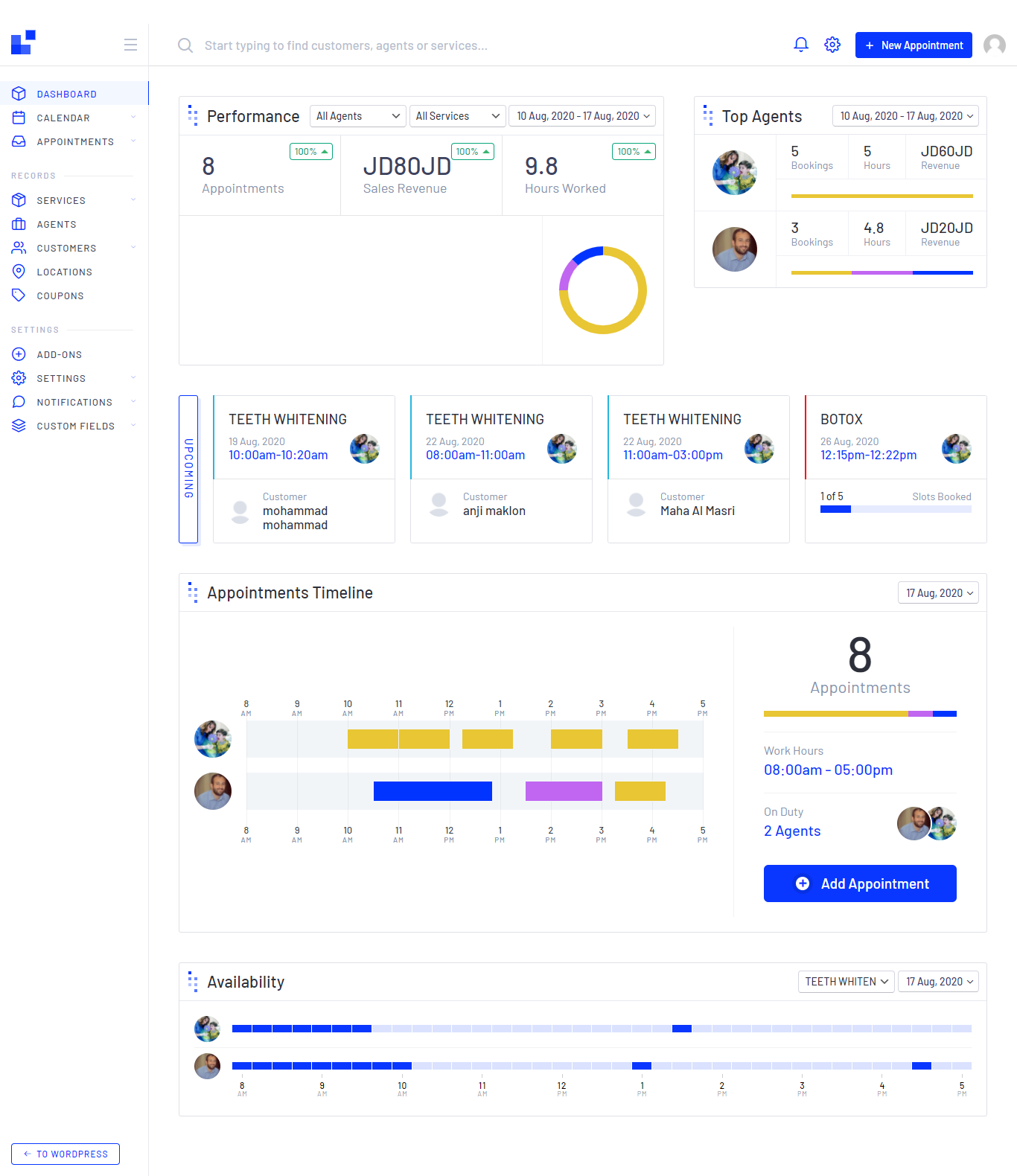
Maintain focus and productivity within your team, you can choose this report per agent (DR), per service or/and per Date
- Showing number of Appointments
- Expected Sales Revenue
- Expected Hours Worked
a small comparison between the current time period with previous time period
so you can monitor your sales and KPIs performance overall in a simple way.
- Showing perversely Sales Revenue per date
- Showing perversely Hours Worked per date
- Showing perversely Hours Worked per date
Appointments Timeline
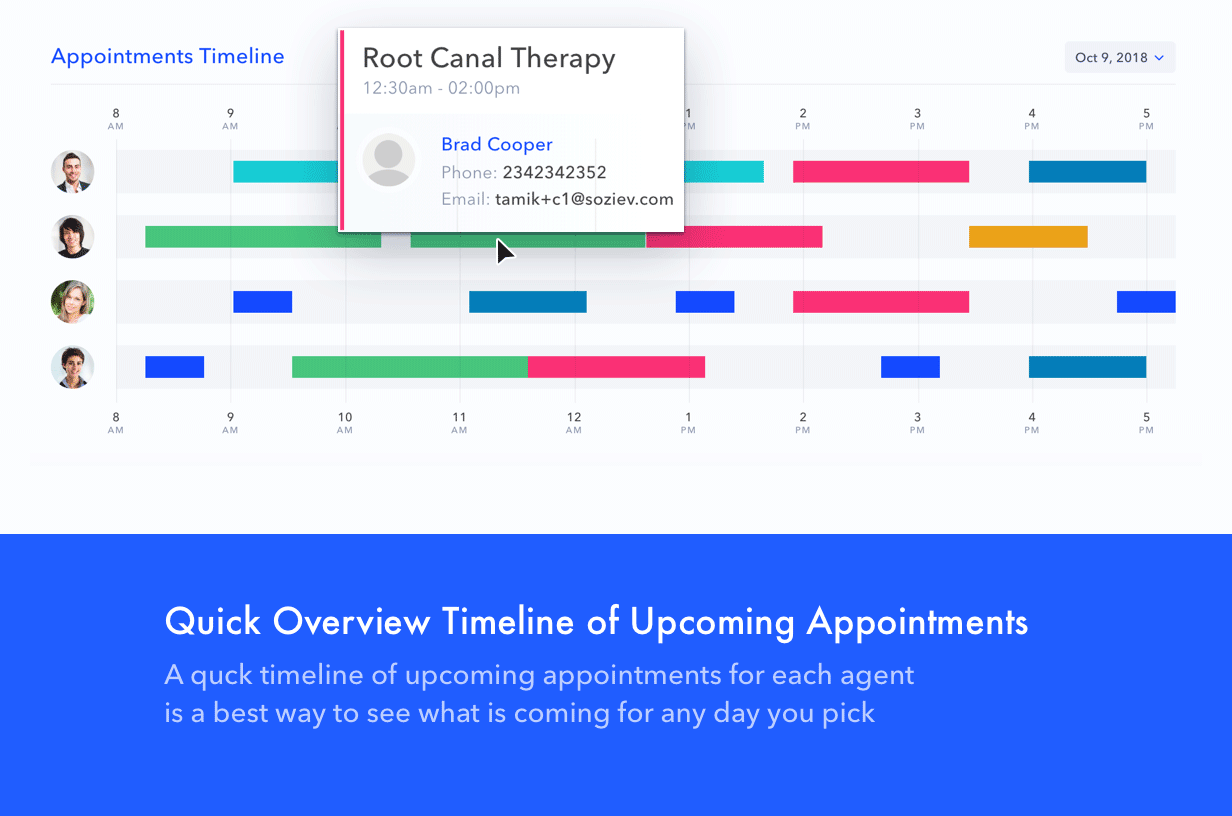
First: Display the agent schedule per day
it shows to the admin the availability and the booked appointment for every agent
or doctor in a very simple way,
represents as a colored timeline chart, start and ends with your
working hours. all these information are pre defined by the admin so don't worry
;)
Second: Number Of Booked Appointments
on the left of the timeline chat, you will find the number of booked appointments, with a colored bar represents the services you have, and your working hour for today, this will make a difference in-case you have a holiday or a different working hours for a spacial day or something else.
Third: On duty
This section will show you the utilized agent or doctor or specialized person that have works for today and the agent who does not has any appointments will not showing here
Upcoming
It shows the next 5 upcoming reservations with the following details
- Service name
- Service date
- Service start time - end time
- Customer full name and Avatar
- Responsible Agent
- Available sluts - in-case services can takes many customers at the same time
and you can check the details by clicking over the appointment.
Calendar →